

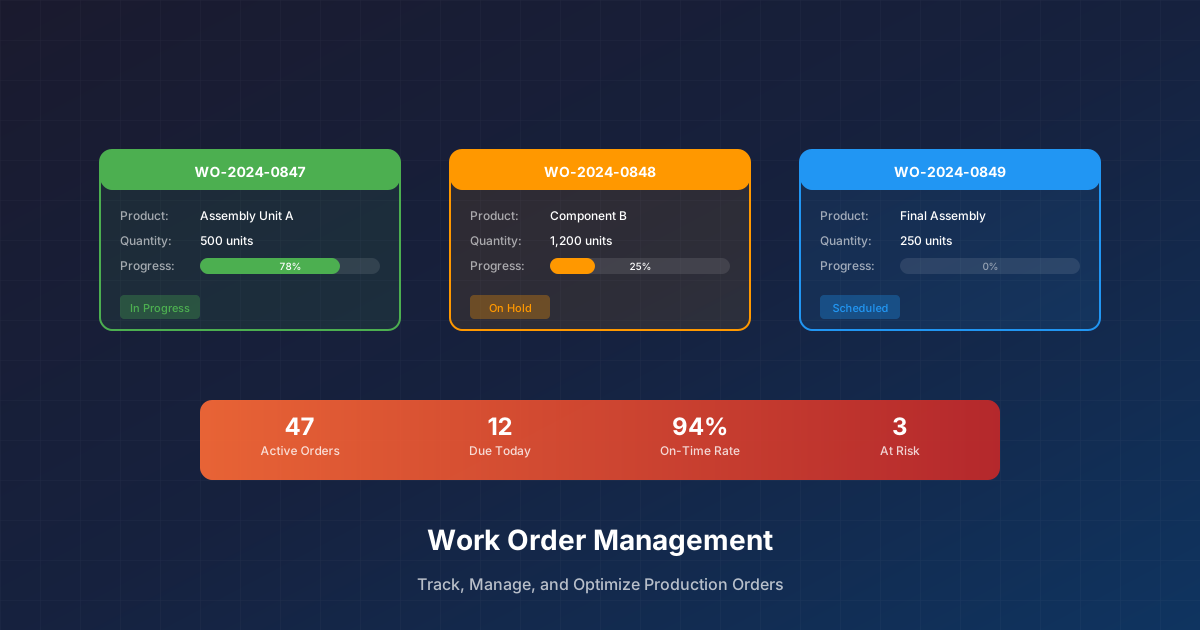
The Work Order: Manufacturing’s Central Artifact
The work order is the fundamental unit of manufacturing execution. It authorizes production, specifies what to make and how, drives material consumption, captures labor, and records what actually happened. Every production transaction—confirmations, material movements, quality results—ties back to a work order.
Yet work order management remains painful for most manufacturers. Work orders get lost between ERP and the shop floor. Status updates lag reality. Material consumption doesn’t match actual usage. The gap between the plan and execution creates chaos.
Getting work order management right is essential for:
- Accurate production scheduling and capacity planning
- Real-time visibility into production status
- Correct material consumption and inventory accuracy
- Proper cost allocation and variance analysis
- Complete traceability for quality and compliance
Work Order Lifecycle
Creation and Release
Work orders originate from demand—customer orders, forecasts, or stock replenishment. ERP systems (SAP, Oracle, Microsoft) typically manage work order creation:
- MRP/Planning generates requirements
- Work orders are created with quantity, due date, and routing
- Material availability is checked
- Work orders are released for execution
The release decision balances material availability, capacity, and priority. Released work orders are authorized for the shop floor.
Shop Floor Execution
Once released, work orders move to the MES or shop floor system:
- Work order appears in dispatch list
- Operator selects and starts work order
- Operations are performed (with data collection)
- Materials are consumed (explicit or backflush)
- Quality checks are performed
- Operations are completed
- Finished goods are received to inventory
Each step can involve data capture—times, quantities, scrap, labor, quality results.
Confirmation and Completion
Production results flow back to ERP:
- Operation confirmations update progress
- Material consumption posts to inventory
- Finished goods receipts add to stock
- Variances are calculated (actual vs. planned)
- Work order is closed and costs are settled
The confirmation process is where MES-ERP integration matters most.
Work Order Management Challenges
Challenge: The ERP-Shop Floor Gap
ERP creates work orders. The shop floor executes them. But connecting the two is where systems fail:
- Work orders don’t appear on the shop floor promptly
- Shop floor changes (splits, combines) don’t reflect in ERP
- Status updates are delayed or missing
- Material consumption doesn’t match reality
Solution: Integrate ERP and MES bidirectionally. Automate work order downloads and confirmation uploads. Establish clear ownership for each field.
That bidirectional flow is the job: releasing orders down and writing completions back up, on a schedule, with nobody retyping a status between two screens.
Challenge: Work Order Accuracy
Work orders created from BOMs and routings often don’t match reality:
- Engineering changes not yet reflected
- Alternative materials substituted
- Operations skipped or added
- Actual cycle times differ from standards
Solution: Update BOMs and routings continuously. Allow controlled deviations with documentation. Capture actual data to improve future standards.
Challenge: Material Traceability
Tracking which material lots went into which finished goods:
- Lot selection at consumption isn’t captured
- Backflush consumption assumes FIFO, reality differs
- Partial lots split across work orders
Solution: Implement lot tracking at consumption point. Use barcode scanning for lot identification. Design processes that support traceability requirements.
Challenge: Work Order Proliferation
Too many small work orders create overhead:
- Administrative burden
- Difficult to schedule
- Hard to track
- Setup time inefficiency
Solution: Right-size work order quantities. Consider rate-based or repetitive manufacturing approaches for high-volume items.
Challenge: Status Visibility
Not knowing where work orders stand:
- Waiting for status updates
- Manually checking shop floor
- Surprises about late work orders
- Inaccurate WIP picture
Solution: Real-time status updates from shop floor. Automated alerting for at-risk work orders. Dashboard visibility for planning and management.
Work Order Management Best Practices
1. Standardize Work Order Types
Not all work orders are the same. Establish types that match your operations:
- Standard production: Regular make-to-stock or make-to-order
- Rework: Correcting defective product
- Prototype/R&D: Engineering and development
- Maintenance/MRO: Internal maintenance work
- Campaign: Related work orders produced together
Each type may have different workflows, approvals, and data requirements.
2. Design Clear Workflows
Define the work order workflow explicitly:
| Stage | System | Owner | Data Captured |
|---|---|---|---|
| Created | ERP | Planner | Qty, due date, routing |
| Released | ERP | Planner | Release date, priority |
| Started | MES | Supervisor | Start time, operator |
| In Process | MES | Operator | Times, quantities, issues |
| Completed | MES | Operator | End time, final quantities |
| Confirmed | ERP | Auto/Planner | Consumption, receipts |
| Closed | ERP | Accounting | Variance settlement |
Clarity about who does what, when, and where prevents confusion.
3. Enable Shop Floor Flexibility
The shop floor needs to respond to reality:
- Split work orders: Run partial quantity now, rest later
- Combine work orders: Run similar items together
- Operation substitution: Use alternative equipment or methods
- Material substitution: Use approved alternatives
Build these capabilities with appropriate controls and documentation.
4. Automate Status Updates
Don’t rely on manual status entry. Automate where possible:
- Machine signals: Detect when operations start and complete
- Barcode scans: Trigger status changes from scan events
- Quantity thresholds: Auto-complete when target quantity reached
- Time triggers: Flag work orders with no activity
Automation improves accuracy and timeliness.
5. Integrate ERP and MES
Bidirectional integration between ERP and MES:
ERP → MES:
- Work order release (header, routing, BOM)
- Material master data
- Engineering changes
- Schedule priorities
MES → ERP:
- Operation confirmations
- Material consumption
- Scrap and rework
- Finished goods receipt
- Labor reporting
Design integration to handle exceptions—partial confirmations, rejects, reversals.
6. Track Performance Metrics
Measure work order performance:
- On-time completion rate: % completed by due date
- Work order accuracy: Planned vs. actual quantities
- Cycle time: Average time from release to completion
- Material variance: Actual vs. planned consumption
- Labor variance: Actual vs. planned hours
Use metrics to drive improvement, not just reporting.
7. Close the Loop on Variances
Variances tell stories:
- Favorable material variance: Using less—efficient, or BOM wrong?
- Unfavorable labor variance: Taking longer—problem, or standard wrong?
- Scrap variance: Quality issue requiring root cause analysis
Investigate significant variances. Update standards when appropriate.
Technology Considerations
ERP Work Order Capabilities
Modern ERPs handle work order management well:
- SAP PP, Oracle Manufacturing, Microsoft D365
- Work order creation, scheduling, confirmation
- Material planning and consumption
- Cost tracking and variance analysis
Limitation: ERPs are transactional, not real-time. Shop floor visibility lags.
MES Work Order Execution
MES systems excel at shop floor execution:
- Siemens Opcenter, Rockwell Plex, AVEVA, Aegis
- Real-time work order tracking
- Operation-level data collection
- Quality and genealogy integration
Limitation: MES needs ERP integration for complete work order lifecycle.
Integration Platforms
Connect ERP and MES effectively:
- Pre-built connectors reduce integration time
- Visual mapping simplifies configuration
- Monitoring ensures data flows correctly
- Exception handling manages errors
Integration is where many work order management initiatives fail—don’t underestimate it.
The Bottom Line
Work order management connects planning to execution. When it works, you have visibility, control, and accurate data. When it fails, you have chaos, surprises, and finger-pointing.
The key is treating work order management as a cross-functional process, not a system problem. Define clear workflows. Integrate systems properly. Measure and improve continuously.
Need to connect your ERP work orders to shop floor execution? See how the change lands in the other system — the completed orders read from one, the finish time and status written into the other, on a schedule.