

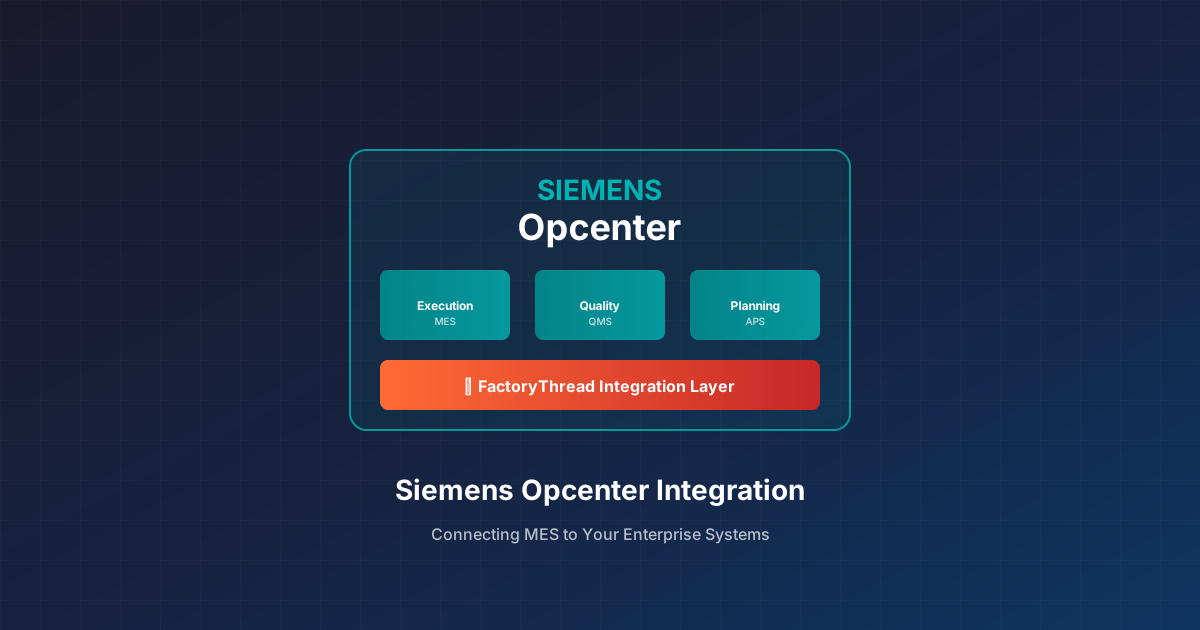
The Siemens Opcenter Integration Challenge
Siemens Opcenter (formerly Camstar and SIMATIC IT) is one of the most capable MES platforms in manufacturing. It tracks production execution with precision—work orders, operations, material consumption, quality checks, genealogy. For discrete and process manufacturers alike, Opcenter is often the system of record for what happens on the shop floor.
But Opcenter doesn’t run your business alone. ERP handles financials and materials. Historians capture process data. Quality systems manage specifications and non-conformances. PLM holds product definitions. Getting data between Opcenter and these systems is where most manufacturers struggle.
Siemens Opcenter integration is essential for:
- Eliminating duplicate data entry between MES and ERP
- Providing real-time production visibility to planners and executives
- Maintaining traceability from raw materials through finished goods
- Supporting compliance with complete, connected records
Common Siemens Opcenter Integration Scenarios
Opcenter to SAP Integration
The classic MES-to-ERP integration. Opcenter executes production; SAP manages business transactions.
SAP → Opcenter:
- Production order downloads
- Material master data
- Bill of materials and routings
- Customer and vendor information
Opcenter → SAP:
- Production confirmations (BAPI_PRODORDCONF_CREATE_TT)
- Goods movements (inventory receipts, consumption)
- Quality inspection results
- Actual costs and labor
Key consideration: Opcenter and SAP have different data models. A “work order” in Opcenter doesn’t map 1:1 to a SAP production order. Transformation logic—handling splits, merges, and partial confirmations—is where integration complexity lives.
Opcenter to Oracle Integration
For manufacturers running Oracle ERP (JD Edwards, E-Business Suite, or Cloud):
Oracle → Opcenter:
- Work order releases
- Item master and BOM
- Inventory balances
- Shop floor calendar
Opcenter → Oracle:
- Work order completions
- Material transactions
- WIP movements
- Quality holds
Oracle integration often uses intermediate staging tables or web services (REST/SOAP). The challenge is matching Oracle’s transaction model to Opcenter’s execution events.
Opcenter to Historian Integration
Process manufacturers running Opcenter often need to connect with OSIsoft PI, Aveva Historian, or other process data systems:
- Batch context: Tag historian data with Opcenter batch IDs for traceability
- Process parameters: Pull critical parameters into Opcenter for electronic batch records
- SPC data: Feed statistical process control calculations from historian data
This integration often requires time-series alignment—correlating Opcenter execution events with historian timestamps.
Opcenter to PLM Integration
Siemens Teamcenter integration is common given the Siemens ecosystem. But manufacturers also need to connect Opcenter to other PLM systems:
- Routing and process plan downloads
- Engineering change propagation
- Product structure synchronization
- Document and drawing links
PLM integration ensures the shop floor works from the latest engineering definitions.
Siemens Opcenter Integration Methods
Opcenter Connect (Native Integration Framework)
Siemens provides Opcenter Connect for out-of-the-box integrations with SAP, Teamcenter, and other Siemens products.
Pros:
- Pre-built mappings for common scenarios
- Supported by Siemens
- Handles Opcenter data model complexity
Cons:
- Limited to Siemens-supported targets
- May not cover custom Opcenter configurations
- License costs
Best for: Standard integrations within the Siemens ecosystem.
Opcenter Web Services (REST/SOAP)
Opcenter exposes functionality through web services, enabling programmatic integration.
Pros:
- Standard protocols
- Can connect any system with API capability
- Real-time interaction possible
Cons:
- Requires development
- Must understand Opcenter object model
- Performance considerations at scale
Best for: Custom integrations or connecting to non-Siemens systems.
Database Integration
Direct integration via Opcenter’s SQL Server database.
Pros:
- Full data access
- Simple for read operations
- Can handle high volumes
Cons:
- Not supported by Siemens (risks upgrade compatibility)
- Must understand complex data model
- Write operations are dangerous
Best for: Read-only reporting and analytics (with caution).
Message-Based Integration
Using message queues (MSMQ, RabbitMQ, Kafka) to decouple Opcenter from consuming systems.
Pros:
- Handles system availability differences
- Scales well
- Enables event-driven architectures
Cons:
- Additional infrastructure
- Eventual consistency (not real-time)
- Message format design required
Best for: High-volume integrations where real-time isn’t critical.
Integration Platforms (Middleware)
Third-party platforms that provide Opcenter connectors and visual integration design.
Pros:
- Pre-built Opcenter connectivity
- Visual mapping tools
- Multi-system orchestration
Cons:
- Additional platform to manage
- License costs
- Learning curve
Best for: Organizations integrating multiple systems without deep Opcenter development resources.
Siemens Opcenter Integration Best Practices
1. Understand Opcenter’s Transaction Model
Opcenter tracks production at a detailed level—containers, lots, operations, data collection points. ERP systems think in orders and quantities. Successful integration requires understanding how Opcenter events roll up to ERP transactions.
For example: completing an operation in Opcenter might trigger partial confirmations in SAP. Your integration logic must decide when and how to aggregate.
2. Leverage Opcenter Events
Opcenter fires events when things happen—container moves, data collection, hold placements. Build integrations around these events rather than polling. Event-driven integration is more efficient and responsive.
3. Handle Opcenter Customizations
Most Opcenter implementations include custom data collection definitions (DCDs), custom attributes, and modified workflows. Generic integrations often miss this custom data. Audit your Opcenter configuration and ensure integrations capture what matters.
4. Design for Opcenter Maintenance
Siemens updates Opcenter regularly. Service packs, upgrades, and patches can affect integrations. Design integrations to survive updates:
- Use supported APIs rather than internal interfaces
- Test in non-production before upgrading production
- Document integration touchpoints for upgrade planning
5. Monitor Integration Health
Opcenter-to-ERP integration failures can stop production or corrupt financial records. Implement monitoring:
- Message flow verification (are transactions flowing?)
- Error alerting (which transactions failed?)
- Reconciliation (do Opcenter totals match ERP totals?)
6. Plan for Performance
Opcenter can generate high transaction volumes, especially in high-speed discrete manufacturing. Integration must keep pace:
- Batch transactions where real-time isn’t required
- Optimize database queries
- Scale integration infrastructure appropriately
Common Integration Challenges
Data Model Mismatch
Opcenter’s container-centric model doesn’t align neatly with ERP’s order-centric model. Solution: build transformation logic that aggregates, splits, or restructures data appropriately for each target system.
Time Zone and Calendar Handling
Production runs don’t respect calendar boundaries. Shifts cross midnight. Plants operate in different time zones. Integration must handle time conversions and date boundaries consistently.
Master Data Synchronization
Material numbers, work centers, customer codes—these must match between systems. Establish master data governance before integration, and build validation to catch mismatches.
Error Recovery
What happens when a confirmation fails in SAP? The production already happened in Opcenter. Build processes for manual intervention, retry logic, and reconciliation.
Getting Started
If you’re planning Siemens Opcenter integration:
Document current state: What data moves between Opcenter and other systems today? (Often via spreadsheets and manual entry.)
Define target flows: What should move automatically? What triggers each flow?
Inventory Opcenter customizations: Custom DCDs, workflows, and attributes need to be part of your integration scope.
Choose integration patterns: Real-time vs. batch, event-driven vs. scheduled. Match patterns to business requirements.
Plan for operations: Who monitors the integration? What’s the process when something fails?
Moving data between Siemens Opcenter and the rest of your estate? FactoryThread ships connectors for Opcenter Execution Core, Opcenter X, Opcenter RD&L and Opcenter APS, and reaches any other system with a REST, OData, or SOAP API. See the connector list.